

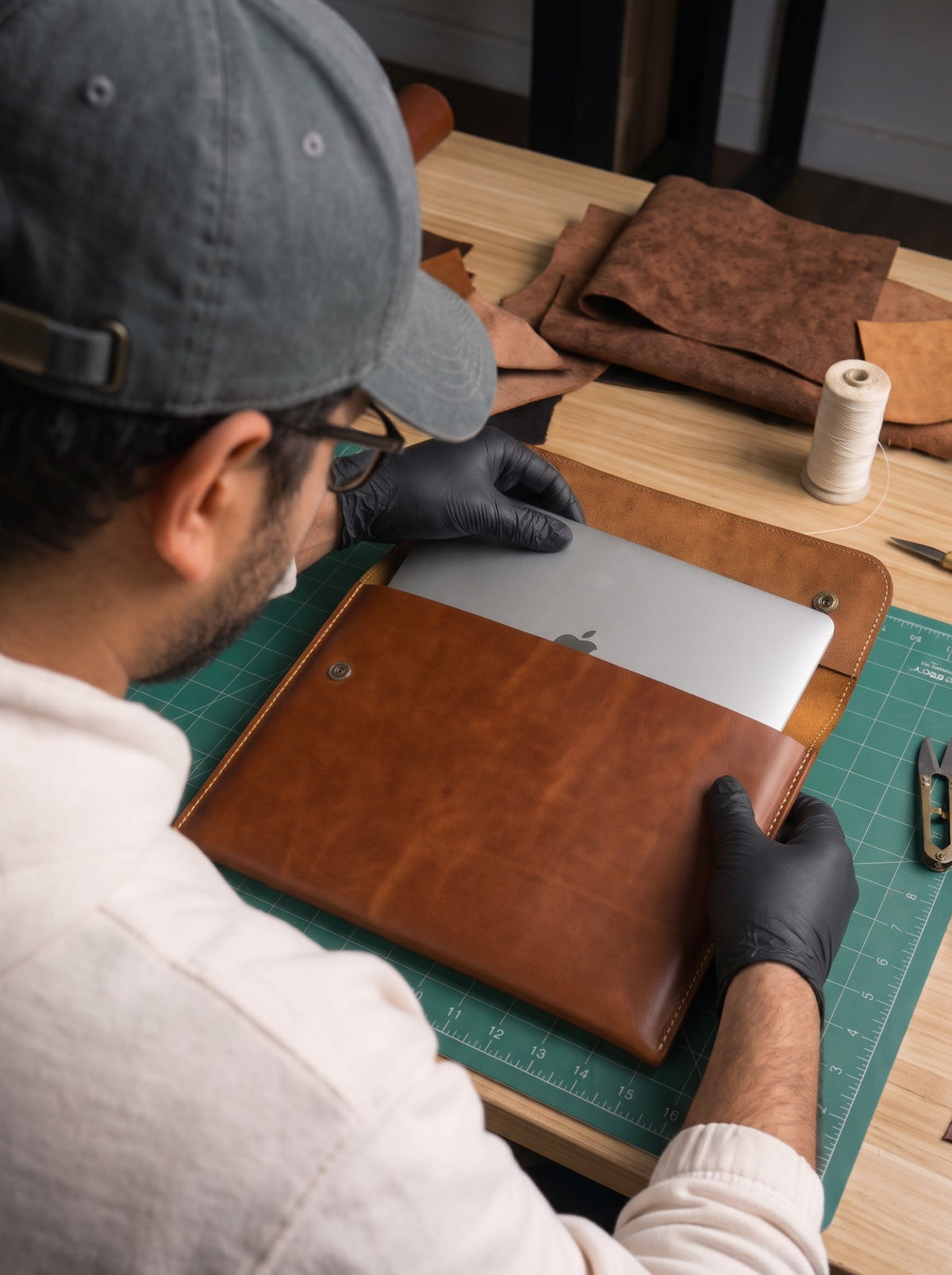
Leather MacBook Sleeves: A Practical Guide to Protection and Style
Your MacBook goes wherever work takes you, from your home office to a coffee shop or client meeting. A leather MacBook sleeve offers a simple way to keep it separate from other items in your bag while adding a considered finishing touch to your everyday carry.
But looks are only part of the decision. The right laptop sleeve should suit your device, your bag, and the way you travel. Here’s what to look for, what leather can realistically offer, and how to choose a sleeve you’ll enjoy using.
Why Choose a Leather MacBook Sleeve?
A leather laptop sleeve combines a streamlined shape with the distinctive texture of natural leather. If you prefer understated accessories, it can fit comfortably into both a professional work setup and a more casual daily routine.
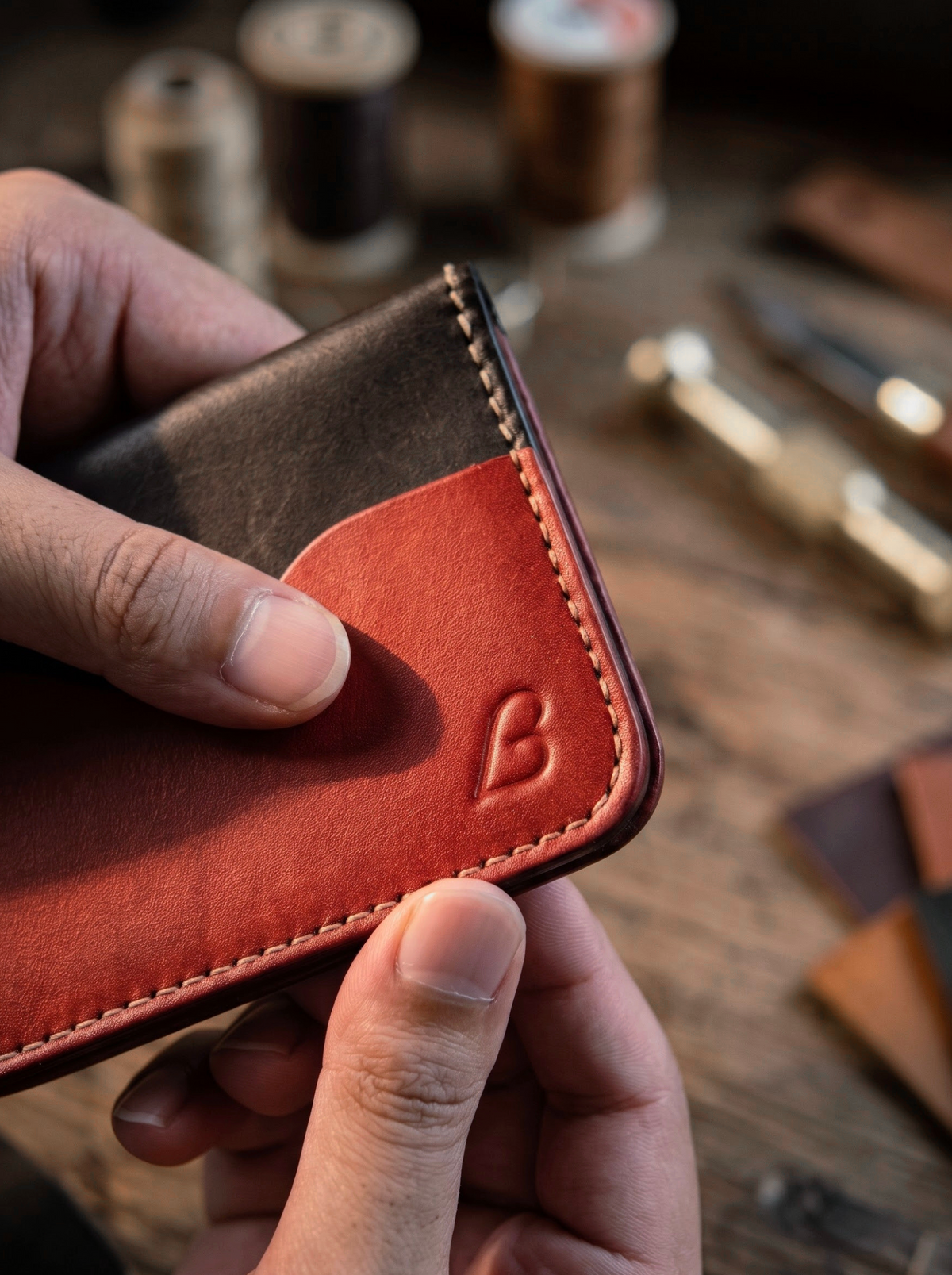
Full-grain leather retains the hide’s natural grain, so variations in texture and markings are part of its character. With use, leather can develop a patina: gradual changes in tone and surface appearance that make each piece more individual.
Three Benefits of a Full-Grain Leather Laptop Sleeve
1. A Separate Layer for Everyday Carry
A sleeve helps separate your laptop from the other contents of your bag, reducing direct contact with items that could mark its surface. For best results, keep keys, chargers, and other hard objects in their own compartments.
A leather sleeve is not a substitute for a padded protective case when you need impact protection. Do not assume a sleeve is drop-proof or waterproof unless its specifications explicitly confirm that.
2. A Slim, Simple Profile
If you already carry a backpack, tote, or briefcase, a slim MacBook sleeve can provide a dedicated place for your laptop without requiring a second full-sized bag. Check both the sleeve’s dimensions and your bag’s available space before buying.
3. Style That Works Beyond the Office
Black leather offers a clean, understated look, while brown brings a warmer tone to your accessories. Either can work alongside a leather wallet or cardholder without needing an exact color match. Choose the finish you’ll enjoy carrying every day rather than one reserved for special occasions.
How to Choose the Right MacBook Sleeve
Check Your Exact MacBook Model and Dimensions
Start with your MacBook’s model, year, width, depth, and thickness. Screen size alone does not establish compatibility, and a sleeve’s listed external measurements are not necessarily its usable internal dimensions.
If you use a clip-on shell, account for that extra bulk too. When compatibility is unclear, ask for confirmation before ordering rather than assuming a sleeve will stretch to fit.
Look at Materials and Construction
Read the product details for the leather type, stitching, lining, closure, and any stated padding. These features tell you more about how a sleeve will suit your needs than broad promises of “premium protection.” A handmade leather sleeve can be an appealing choice if you value the craft behind your daily accessories.
Match Protection to Your Routine
For carrying your laptop inside another bag, a slim sleeve may suit your routine. If you cycle, travel frequently, or carry your laptop in crowded conditions, prioritize verified padding, secure closure, and weather protection. Choose for the conditions you actually face, not just the appearance you like.
Explore Koko Leather’s Handmade MacBook Covers
Koko Leather’s slim MacBook covers are handcrafted from full-grain aniline leather with hand stitching. Available in black and brown, both list dimensions of 13 × 9.25 inches. Confirm compatibility with your exact device before ordering; these measurements alone do not establish which MacBook models fit.
Black Full-Grain Leather MacBook Cover

Shop the black full-grain leather MacBook cover for a clean, versatile finish.
Brown Full-Grain Aniline Leather MacBook Cover

Shop the brown full-grain aniline leather MacBook cover for a warm, classic look.
Frequently Asked Questions About Leather MacBook Sleeves
Is a Leather MacBook Sleeve Waterproof?
Do not assume leather is waterproof. Keep your sleeve away from rain and spills, and check the product’s care instructions before applying any protective treatment.
Will One Sleeve Fit Every MacBook?
No. MacBook dimensions vary by model and generation. Confirm the sleeve’s usable internal dimensions and compatibility with your exact device, including any additional shell.
Does a Leather Sleeve Protect Against Drops?
Leather alone does not establish drop protection. If impact protection is a priority, look for a case or sleeve with documented protective features rather than relying on the material’s thickness or appearance.
How Should I Care for a Leather Laptop Sleeve?
Follow the maker’s care instructions for the specific leather finish. As a general precaution, avoid soaking leather or exposing it to direct heat. Check suitability and test any cleaner or conditioner on an inconspicuous area before broader use.
A Thoughtful Addition to Your Everyday Carry
The best leather MacBook sleeve balances fit, function, and personal style. Start with compatibility, choose protection that matches your routine, and look for materials and craftsmanship you’ll appreciate over time. Explore Koko Leather’s black and brown covers above to find the finish that suits your workday.

Leave a comment
This site is protected by hCaptcha and the hCaptcha Privacy Policy and Terms of Service apply.